
What people get wrong about satellite internet in the Philippines
Smartlink Team ·
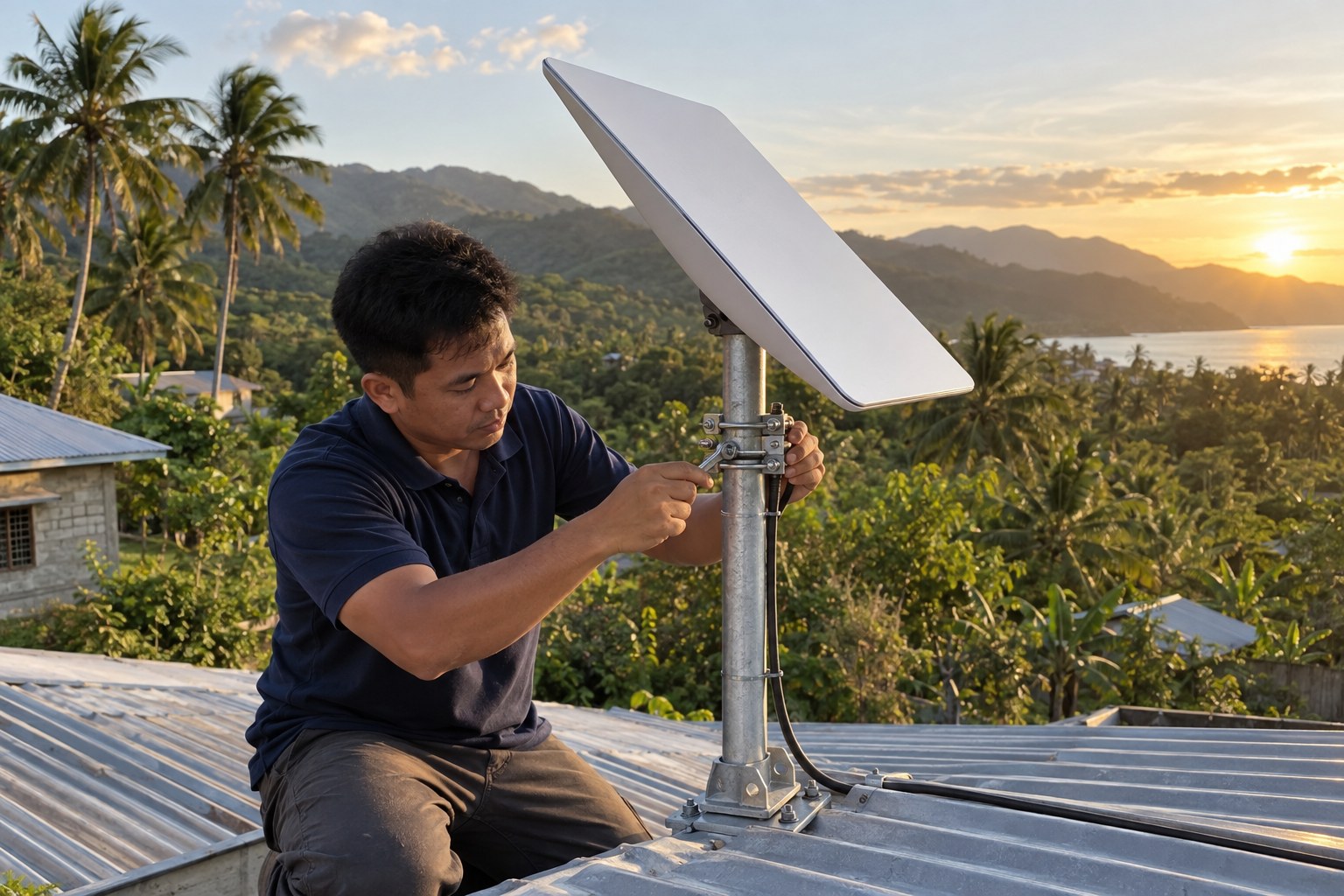
Satellite internet has changed what is possible for homes and businesses in places the usual connections never quite reached. It is genuinely useful. But a lot of what people expect from it comes from things they have read or heard that are only partly true, and those expectations shape decisions before anyone has looked at the actual site. Here are the misconceptions we run into most often, and what matters instead.
Myth: it is only for places far from everything
Satellite internet is often described as a last resort for remote areas, and that is where it gets most of the attention. But the deciding factor is not distance from a town. It is whether the site has a clear view of the sky, a stable power source, and someone willing to plan the installation properly.
That means it can make sense for a home in a subdivision where the connection has never been dependable, for a small office that keeps losing work when the line drops, for a farm in the province, or for a site that needs a connection before anything else arrives. At some sites it can also work alongside an existing connection, covering the corners of a property the current setup struggles to reach. The question is not how far out you are. It is what you need the connection to do.
Myth: any patch of open sky will do
This is the one that causes the most disappointment, and it is worth understanding before anybody climbs a roof. A satellite dish needs a wide, steady view of the sky in the direction it is aimed. A small gap between two trees, or a spot that looks clear today, is not the same thing.
Obstructions are not only trees. A taller building next door, a water tank, a billboard, a hillside, or the slope of your own roof can sit in the way. Trees also grow. A spot that works this year may not work in three.
This is why a location and obstruction assessment comes first. It is a check of what the site actually looks like from the angles that matter, done before mounting hardware is chosen or holes are drilled. A rough idea from a phone app can help, but it is not the same as a proper look at the site. If one spot does not work, there is usually another, and finding it early saves a lot of trouble.
Myth: once the dish is up, the connection is solved
The dish is the outside half of the job. The inside half is how that connection reaches the devices people actually use.
In many Philippine homes, the router ends up in a corner near where the cable came in, and the far bedroom, the home office, or the small shop at the front gets a weak signal. Thick concrete walls, steel reinforcement, floors and distance all cut into a wireless signal, and no amount of dish alignment fixes that.
This is where local Wi-Fi integration matters. It means thinking about where the router should sit, whether a second access point is needed, how many people and devices will share the connection, and whether the business side of the house should be on its own network. Planning that at the same time as the installation is easier than fixing it later.
Myth: bad weather always means no connection
Satellite signals travel through the atmosphere, so very heavy rain can affect them for a while. That is a normal characteristic of satellite links, not a sign that something is broken. It is one of the things to understand going in, rather than be surprised by.
What you can control is how well the installation is set up in the first place: a solid mount that does not shift in wind, cable runs that are protected and properly secured, and connections that are sealed against water. Poor installation causes more day-to-day problems than weather does.
Keeping the dish reasonably clear of heavy dust, leaves and debris helps too. Anything at height should be handled by a qualified person with the right equipment. Do not climb up to wipe a dish yourself.
Myth: it is a one-time job with nothing to do after
An installation is the start of a working setup, not the end of the story. A few simple habits keep it that way.
- After a strong storm, look from the ground at the mount and the cable run. If anything looks loose, bent or frayed, call someone qualified rather than fixing it yourself.
- Keep trees and branches from closing in on the dish's line of sight.
- Keep the router somewhere ventilated, not buried under paperwork or shut inside a cabinet.
- If the router has an app, use it to check that it is running the latest built-in software, called firmware, and to see which devices are connected.
- Note anything that changes at the site, such as a new structure or an extension, because it can affect the view of the sky.
What actually decides whether it works for you
Setting the myths aside, the practical questions are simple. Is there a clear view of the sky from a spot that can be reached safely? Is there power at the site, and is it steady? Where will the cable enter the building, and how will it be protected? Where does the Wi-Fi need to reach, and how many people will use it? Who will do the work at height?
Answer those honestly and you will have a good idea of whether satellite internet suits your situation, and what kind of installation it needs. Smartlink handles location and obstruction assessment, antenna mounting and cable installation, and local Wi-Fi integration and setup. You can read more on the Starlink installation page.
If you are still weighing this up for a home or a business, there is no pressure and no need to decide today. Message Smartlink on its Facebook page, call +63 918 200 0005, or send the details through the contact page, and we can talk through what your site would need.