
CCTV maintenance for Philippine homes and businesses: what to check and when
Smartlink Team ·
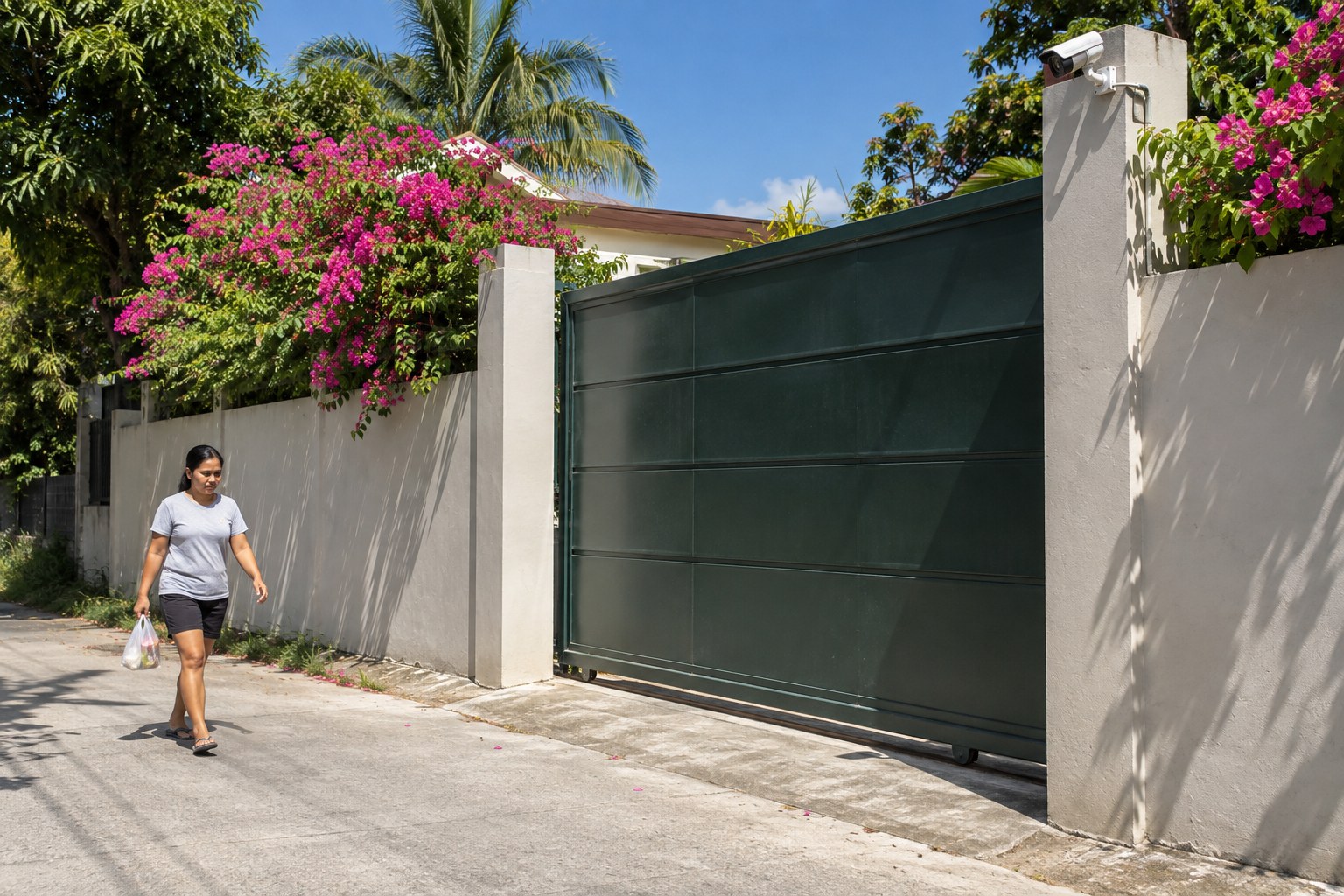
Most people think about their CCTV system twice: once when it is installed, and again when something happens and they need the footage. The problem is that the second moment is the worst time to find out a camera has been fogged up for weeks or the recorder stopped saving video after a brownout. A little regular attention keeps your system ready for the day it matters. Most of it takes a few minutes and needs no tools.
Start with the footage itself
The easiest check is also the most useful. Every so often, open your viewing app or the monitor connected to your recorder and look at each camera, one by one. Then play back a short clip from a day or two ago.
You are looking for a few things:
- Every camera shows a live picture. A black or frozen screen usually means a power, cable or network problem.
- The picture is sharp, not hazy. A soft or cloudy image often means a dirty lens or moisture inside the housing.
- Night view still works. Most cameras switch to infrared at night, a kind of light the camera can see but you cannot. Check a nighttime clip, not just daytime.
- The date and time are correct. Wrong timestamps make footage much harder to use if you ever need to show it to someone.
- Recordings actually exist. A live view can look fine while nothing is being saved. Playback is the real test.
For a business, it helps to give this job to one person and make it part of a regular routine, such as the first Monday of the month. At home, a quick look when you pay your bills works just as well.
Keep lenses and housings clean
Philippine weather is hard on outdoor cameras. Dust from the road, salt air near the coast, rain spots, and spider webs all build up on the glass. Spiders are especially fond of cameras because the infrared light at night attracts insects, and a single web drifting in front of the lens can trigger false motion alerts all night.
For cameras you can reach safely while standing on the ground, wipe the lens gently with a soft, clean microfiber cloth. Avoid tissue, rough rags or strong cleaning chemicals, which can scratch the glass or damage its coating.
Many cameras, though, are mounted high on walls, eaves or poles for good reason. Do not climb ladders or go onto the roof to clean them yourself. Working at height is a job for someone trained and properly equipped. If a high-mounted camera keeps getting dirty or webbed, ask a technician to clean it during a scheduled visit, and ask whether a small change in position or a hood would help.
Watch for weather damage, especially after typhoons
Heavy rain and strong wind can shift a camera's angle, loosen a bracket, or let water into a connector. After a storm, take a look at your camera views. If a camera now points at the sky or the neighbor's wall, it has probably moved.
Other warning signs include:
- Fog or droplets visible inside the camera's glass
- A picture that flickers or drops out when it rains
- Cables hanging loose, chewed, or exposed to direct sun and water
- Rust on brackets or junction boxes
These are worth reporting early. Water in a connection rarely fixes itself and usually gets worse. Leave the repair and any work on cables or power to a qualified technician.
Look after the recorder
The recorder is the box that stores your video, usually an NVR, short for network video recorder. It works quietly in the background, so it is easy to forget. Its storage is a hard drive that runs constantly, and like any hard drive it will eventually wear out.
A few habits help it last:
- Give it air. Keep it in a cool, dry, ventilated spot, not inside a closed cabinet, on the floor where water can reach it, or under a pile of papers.
- Keep it dusty-free. Dust clogs vents and fans and makes the unit run hot.
- Notice its warnings. Many recorders show alerts for disk errors or a full drive. Do not dismiss them.
- Know how far back your recordings go. Check the oldest recording available so you know what to expect if you need older footage. If it is not enough for your needs, ask about adjusting settings or storage.
If something important is caught on camera, export or save that clip right away. Recorders write over old footage automatically, and you do not want the one clip you need to be replaced.
Plan for brownouts and power surges
Power interruptions are a fact of life in many areas, and they affect CCTV in two ways. While the power is out, cameras and the recorder may stop working. When power returns, a surge can damage equipment or leave the recorder stuck instead of restarting properly.
After a brownout, check that every camera is back and recording. If your system often goes down with the grid, talk to a professional about surge protection and backup power for the recorder, network equipment and key cameras. How much backup makes sense depends on your site and what you need to keep watching. Please do not rewire outlets or power supplies yourself; electrical work should be done by a qualified electrician or technician.
Keep remote viewing secure
Being able to check your cameras from your phone is one of the best parts of a connected system. It also means your cameras are reachable over the internet, so basic security matters.
- Replace any default passwords with strong, unique ones.
- Give each family member or staff member their own login where the system allows it, and remove access when someone leaves.
- Install firmware updates, the manufacturer's software fixes for the camera and recorder, or ask your installer to.
- Do not share login details through group chats or write them on the recorder.
- If remote viewing suddenly stops working, it may be a change in your internet connection or router rather than a camera fault.
You can read more about how Smartlink plans placement, recording and secure remote viewing on our CCTV and security page.
When to call a technician
Routine checks are yours to do. Call a professional when a camera stays offline, moisture appears inside a housing, cables are damaged, the recorder shows disk errors, or you need anything adjusted at height or near electrical wiring. It is also worth asking for a review when your property changes, such as a new extension, a new gate, or trees that have grown into a camera's view.
If you would like help checking or improving your current setup, or you are planning a new one, you are welcome to send us a message on our Facebook page, call +63 918 200 0005, or reach us through our contact page. We are happy to talk it through and look at what suits your site.