
Common myths about business Wi-Fi and office networks, and what actually helps
Smartlink Team ·
When the Wi-Fi in an office, shop or big house starts acting up, most people reach for the same quick fixes. Some of them help. Many of them just move the problem somewhere else. Over time, a few ideas have become common wisdom even though they do not hold up. Here are the ones we hear most often, and what tends to help instead.
Myth: a more powerful router will fix everything
It is natural to think the router is the heart of the problem. If the signal is weak in the back room, buy a bigger one with more antennas, right?
Not quite. Wi-Fi is a two-way conversation. A strong router can shout loudly, but your phone or laptop still has to answer back, and its small antenna cannot shout as far. The device may see the network clearly but struggle to be heard. That is why you sometimes see good signal yet pages still load slowly.
What usually helps more is placing the signal closer to where people actually work. In a larger space, that means several access points, which are small Wi-Fi transmitters mounted around the building and connected back to the main network by cable. Each one covers its own area, so no single device has to strain across walls and floors.
Myth: more access points always means better Wi-Fi
Once people learn about access points, the next temptation is to add them everywhere. But Wi-Fi works on a limited number of radio channels, a bit like lanes on a road. If too many access points sit close together on the same channel, they talk over each other and everyone slows down.
Good coverage comes from planning, not quantity. That means looking at the layout, the wall materials, where people gather and how many devices connect at busy times. Concrete and hollow block walls, metal roofing and even large aquariums or water tanks all affect how signal travels. A well-planned setup often uses fewer access points than expected, placed in the right spots and set to channels that do not clash.
Myth: full signal bars mean the connection is fine
The bars on your phone only show how strong the signal is. They say nothing about how crowded the network is, how much interference there is from neighboring networks, or whether the problem is further back in the system.
A conference room might show full bars, yet a video call drops the moment a dozen people walk in with phones and laptops. A shop might have strong signal at the counter but a payment terminal that keeps disconnecting because of interference. When something feels wrong even with full bars, it is worth looking deeper rather than assuming the Wi-Fi is innocent.
Myth: if the Wi-Fi is slow, the internet plan is the problem
Sometimes it is. Often it is not. Your internet connection brings data to the building, but your internal network, meaning the cables, switches and access points inside, decides how well that data reaches each person.
A few common culprits we find inside buildings:
- An old switch, the box that lets many wired devices share one connection, that cannot keep up with everyone using it.
- Cables that were crimped by hand years ago, bent sharply, stepped on or chewed by pests.
- Every device in the building connected to one consumer router that was never meant for that load.
- Security cameras, printers and staff laptops all competing on the same network without any organization.
Upgrading the internet plan will not fix any of these. It is a bit like widening the highway when the traffic jam is in your own driveway.
Myth: a cable is just a cable
Network cabling looks simple, so it is often treated as an afterthought. Leftover cable gets run along the floor, joined with tape, or squeezed into the same conduit as electrical wires.
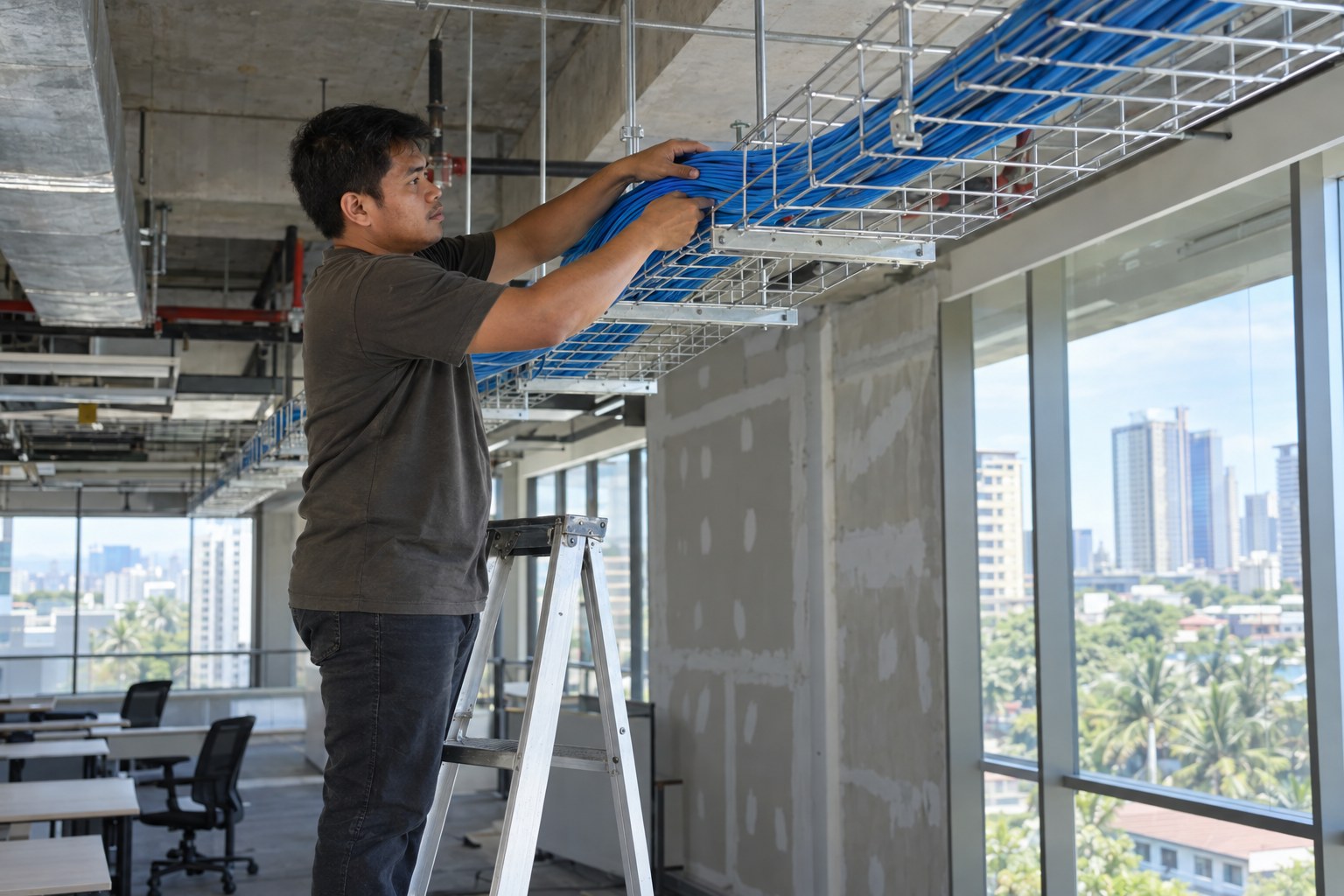
Structured cabling is the opposite approach. It means cables are run neatly through proper pathways, terminated at labeled wall outlets and patch panels, and tested before the job is called done. It sounds fussy, but it pays off every time something goes wrong. Instead of tracing a mystery cable through the ceiling, a technician can see exactly which outlet connects to which port.
Cable quality and routing also matter for reliability. Network cables running alongside power lines can pick up interference, and anything involving electrical panels, ceilings or roof spaces should be handled by qualified people rather than as a weekend project.
Myth: outdoor Wi-Fi is just an indoor unit pointed outside
Gardens, warehouses, poultry farms, resorts and school grounds often need coverage outdoors. Placing a regular indoor access point near a window rarely does the job well, and moving it outside exposes it to rain, heat, humidity and dust it was never built for.
Outdoor Wi-Fi uses equipment designed for the weather, mounted at the right height and angle for the area it needs to cover. It also has to consider lightning and proper grounding, which is another reason outdoor mounting, pole work and anything at height should be left to trained installers.
Myth: once it is set up, a network looks after itself
A network is closer to a vehicle than a light switch. It keeps working best with some regular attention. Equipment needs firmware updates, which are software fixes from the manufacturer that close security gaps and correct bugs. Passwords should change when staff leave. New devices get added, rooms get rearranged and businesses open second or third locations.
For businesses with more than one site, it helps when every branch follows the same setup and someone can see the whole picture, rather than each location being managed differently by whoever happened to set it up. That consistency makes problems easier to spot and simpler to fix.
A few easy habits help any home or office:
- Keep a simple record of your equipment, where it is and who has the admin passwords.
- Restart and check equipment when you notice problems, and note when issues happen.
- Keep network equipment in a cool, dry, ventilated spot, not in a closed cabinet under the stairs.
- Review who has access to the Wi-Fi from time to time.
Getting the network right for your space
Every building is different, and the right setup depends on the layout, the materials, the number of people and devices, and how the space is used. A site assessment is the best way to understand what will actually work at your location before anything is bought or installed. You can read more about how we approach structured cabling, Wi-Fi planning and multi-site support on our managed networks page.
If any of these myths sound familiar and you would like a second opinion on your home or business network, feel free to send us a message on our Facebook page, call +63 918 200 0005, or reach us through our contact page. We are happy to talk it through.