
Planning a CCTV system: what to decide before you buy cameras
Smartlink Team ·
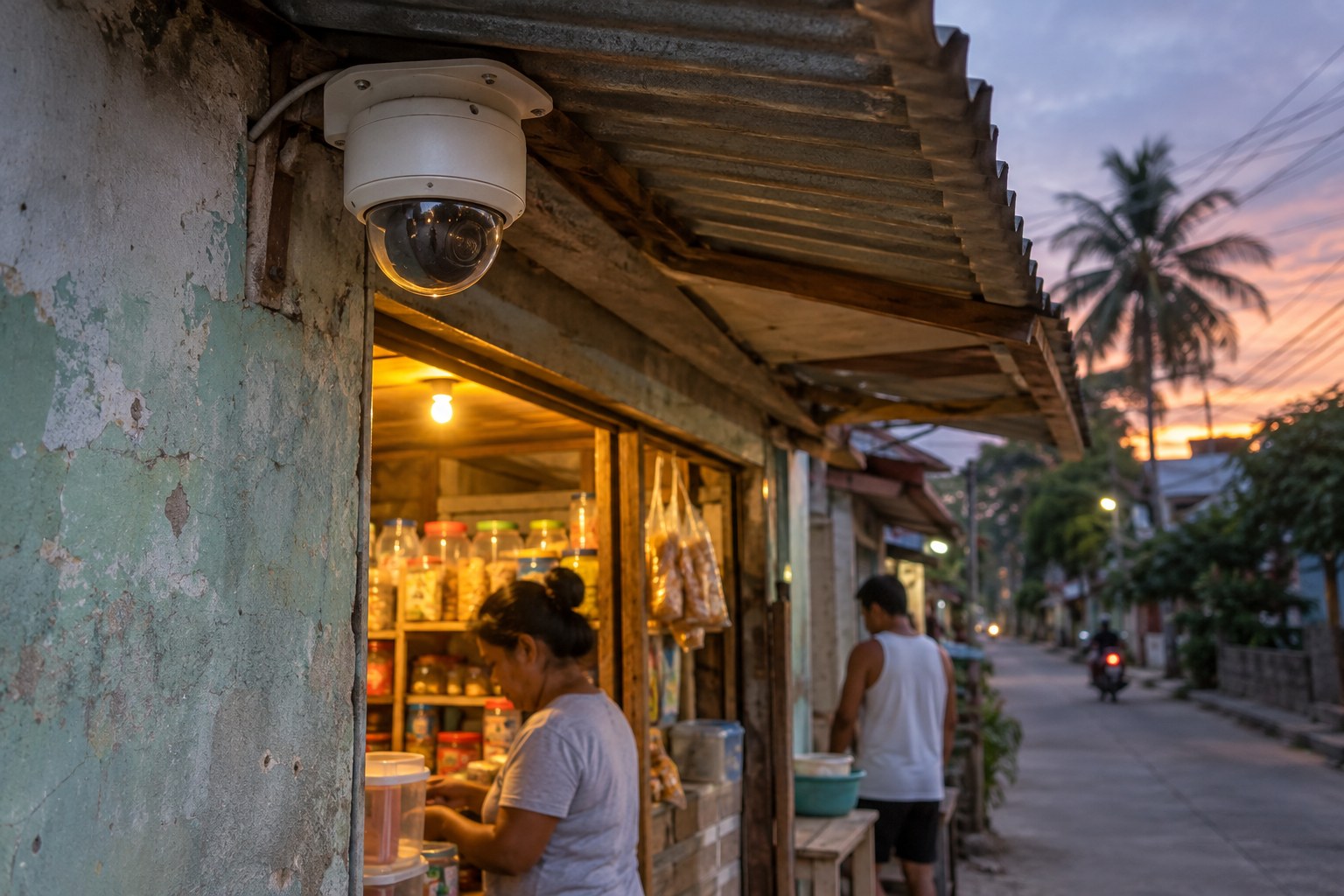
Choosing a security camera feels like a straightforward purchase. You pick a model, someone mounts it, and you watch the feed on your phone. In practice, what decides whether a CCTV system is useful is not the camera. It is the planning that happens before anyone drills a hole.
Smartlink's CCTV and security service covers camera placement and coverage planning, network video recording and installation, and secure remote viewing configuration. This guide walks through the thinking behind those three things, and it is useful whether or not you contact us.
Start with what you need to see, not with the camera
Before comparing models, make a short list of what you would want to review after an incident. Most people find their list is shorter than expected, and much more specific.
- Where people come in and out: the gate, the front door, the side entrance, the service door.
- Where valuables are kept: a cash drawer, a stockroom, a server cabinet, a safe.
- Where deliveries, loading or parking happen.
- The spots that already make you uneasy: a dark corner of the yard, a back wall, a corridor nobody passes.
Write it in plain words. I want to know who came through the gate last night is a better brief than I want four cameras. The number of cameras comes later, and it should come out of the coverage plan rather than the other way around.
Coverage: what the cameras will actually see
Every camera has a field of view, which is the area it can see. A wide view takes in more of a scene. A narrower view shows less area but more detail. Neither is better by itself. It depends on whether you need to recognise a face at the gate or simply confirm that a delivery truck arrived.
This is why a camera in every corner can still miss the moment that matters. A wall, a parked car, a tree, or the direction a person walked can hide the one thing you needed to see. Coverage planning traces the paths people actually take across your property and places cameras so those paths are covered.
Overlap at the points that matter
Two cameras watching the same gate from different angles tell a better story than one camera watching it perfectly. The entrance is usually worth doubling up on, because that is where an incident tends to start and end. After that, look at the choke points: the single corridor, the one staircase, the only way into the stockroom.
What the cameras should not see matters just as much. A camera pointed at a neighbour's window, a staff break area, or the inside of a comfort room creates a problem instead of solving one. Mark those areas off during planning, and check the actual view from the camera's position before it is mounted, not after.
Light decides how much you see at night
A camera does not create light. Where there is no light, there is no detail, no matter how good the unit is. Walk the property after dark and notice what is genuinely lit: gate lamps, streetlight spill, signage, motion lights that switch on when someone moves.
Two things spoil night footage more often than people expect. The first is glare, from headlights, a bright lamp facing the lens, or a pale reflective wall. The second is movement that is not a person, such as leaves, tarpaulin, heavy rain or insects near the lens. Both can be reduced with better placement and lighting. Sometimes the most useful recommendation is to add a light, not a camera.
The quiet half of the system: recording, storage and network
Cameras are the visible part. What people forget is what happens to the footage afterwards. In a network system, cameras send video to an NVR, or network video recorder, which is the appliance that receives the video over your network and stores it. Cameras and recorder are usually linked with PoE, or Power over Ethernet, where one cable carries both data and electrical power.
Two decisions belong here. The first is how far back you want to be able to look. That depends on how many cameras you run and how much storage you provide, so it is a conversation with your installer rather than a number copied from a box. Think about what you would realistically need to review, and how far back.
The second is where the recorder lives. It should be somewhere ventilated, reasonably dust free, and not open to everyone who walks past. A recorder on a shelf by the door is easy to unplug. Cabling, power and surge protection belong to a licensed electrician, so mention any older wiring or frequent brownouts early.
Remote viewing that is convenient and secure
Checking on the property from your phone is often the main reason people get CCTV in the first place. Secure remote viewing configuration is about making that dependable while keeping access in the right hands.
- Give each person their own login instead of one shared password, so you can remove one person without disrupting everyone else.
- Change the default passwords on the cameras and the recorder before the system goes live. Default logins are the easiest way in for anyone who should not be there.
- Review the access list from time to time, especially when a staff member or tenant leaves.
- Be careful with shared links and screenshots. A link can travel further than you intended.
It also helps to think about the people on camera. Footage of identifiable people is personal information under Philippine data privacy rules, so decide in advance who may view the recordings and how long they are kept. For a business, a short written policy and a notice at the entrance cover most of it.
What to prepare before a site visit
A site assessment is where a general plan becomes a workable one, because the ground always has surprises: a wall in the way, a power point in the wrong place, a cable run that needs a different route. A few things on hand make that visit more productive.
- A rough sketch of the property, marking entrances, fences and outbuildings.
- Your list of what you want to see, in plain language.
- Where your power points and network points are, and where they are not.
- Who will need to view the footage, and who will manage the system day to day.
- Any areas you do not want covered, and any privacy concerns you have.
Nothing is fixed until someone has walked the site. A plan that looks right on paper can change once the actual lighting, angles and cable paths are in front of you, and it is better for that to happen before installation than after.
If you are planning CCTV for a home, a business or a shared property, Smartlink can look at the site with you and put together a coverage plan that fits it. You are welcome to send us a message on our Facebook page, call +63 918 200 0005, or reach us through the contact page. There is no pressure, and no obligation to proceed.